Instagram Carousel Download: Save Every Slide (2026)
Instagram carousel download made simple: copy the post link, paste it, and save every photo or video slide in high quality. Works on phone and PC.
Read article
Paste a public Instagram link and save the video in the highest quality available.
Only public posts can be downloaded.
Not affiliated with Instagram or Meta. By using this tool you agree to our Terms of Service and Privacy Policy.
From Instagram to your device in under a minute.
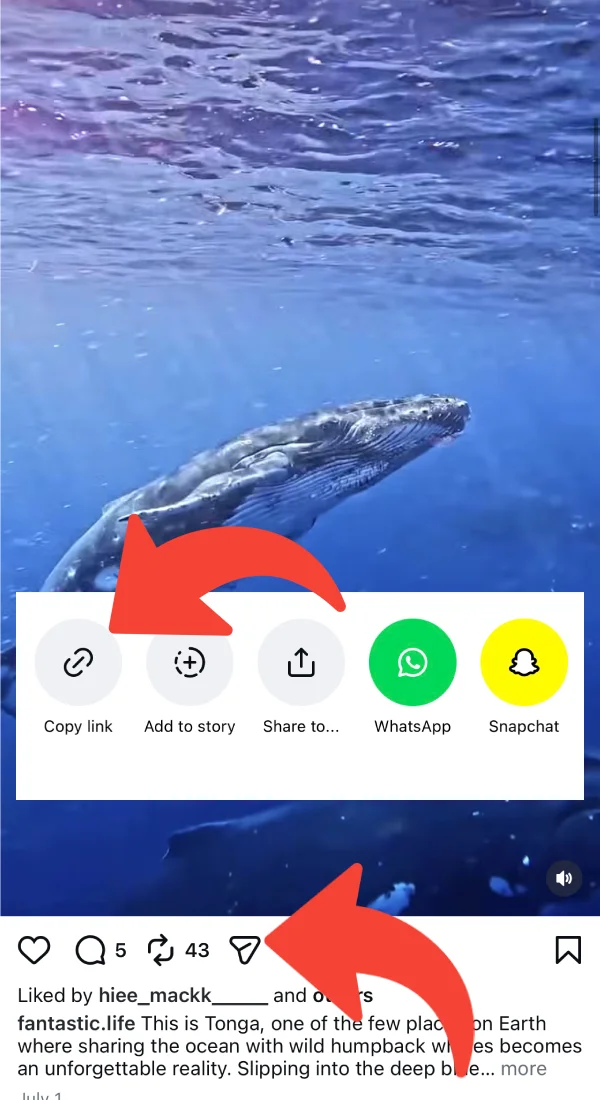
Open the video in Instagram, tap the share icon and choose Copy link.
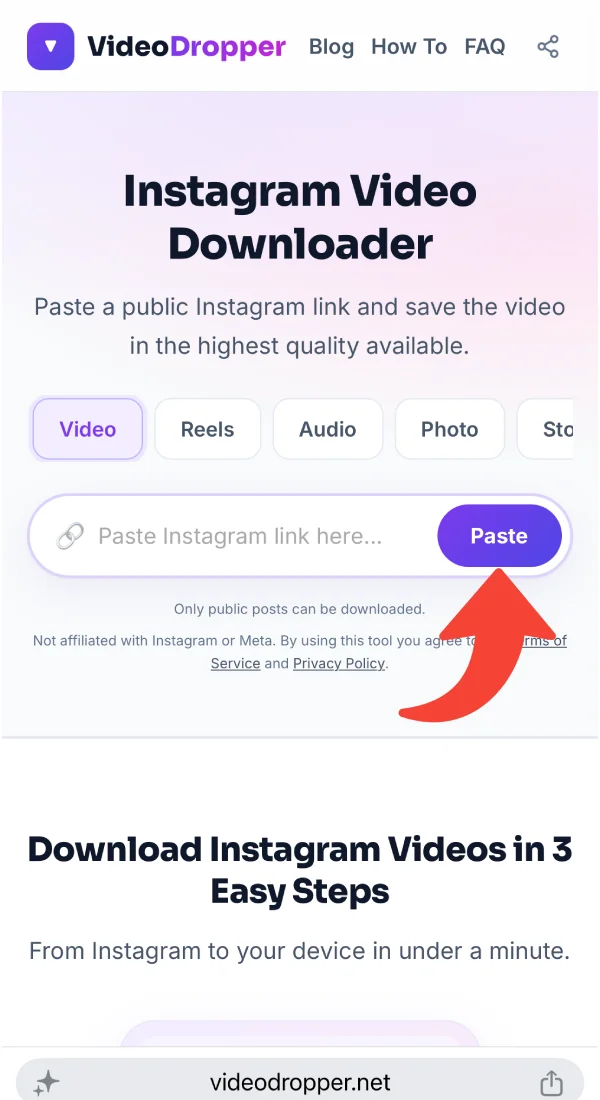
Come back here and press Paste, or paste the link into the box. We check the post automatically.
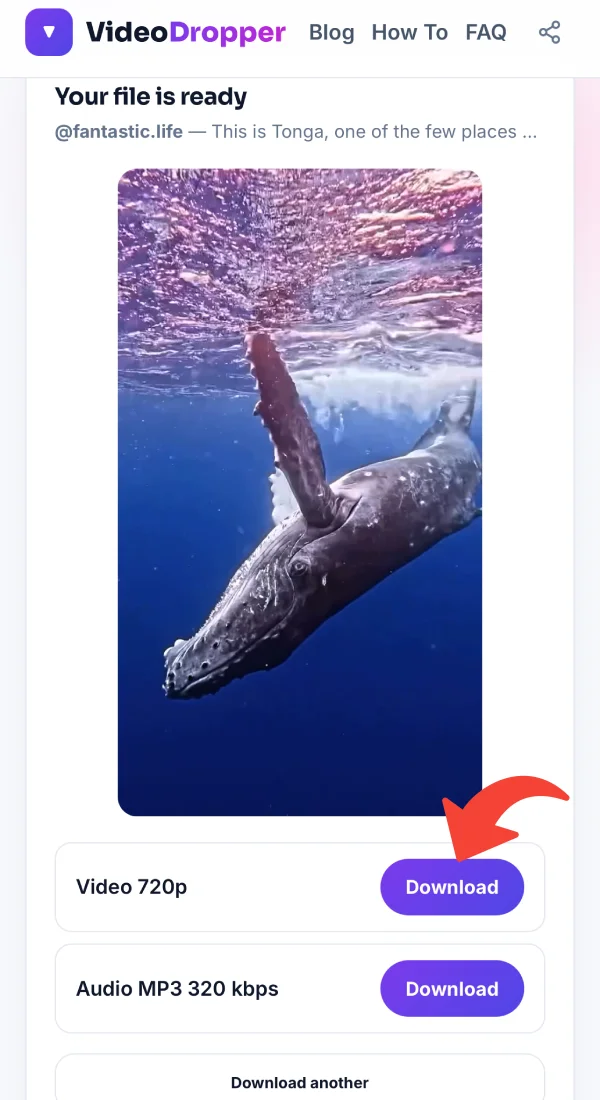
Preview the clip, then tap Download to save the best-quality file to your device.
Practical tips, tutorials, and strategies to elevate your Instagram experience.
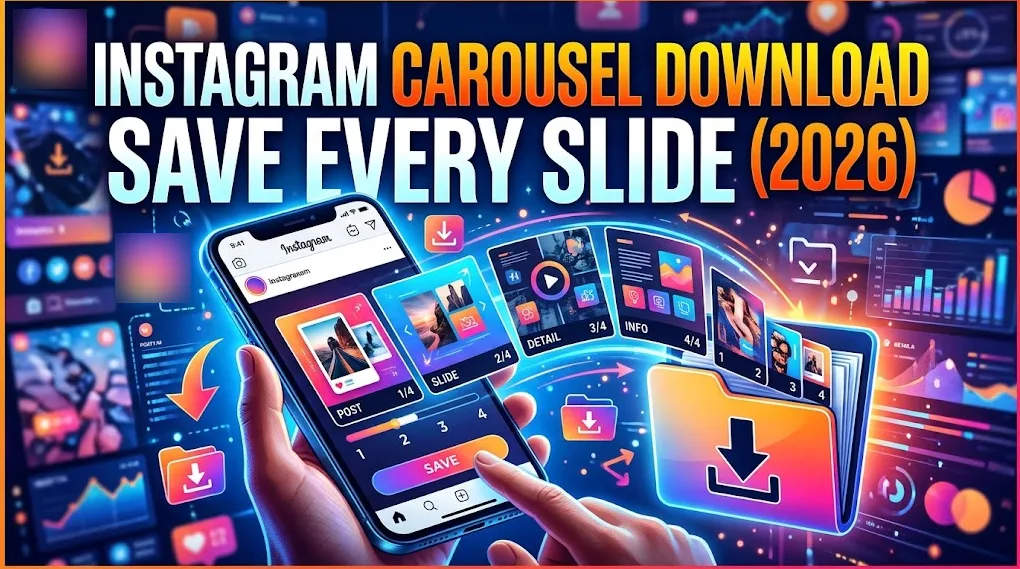 Instagram Photos9 min read
Oct 25, 2026 • 9 min read
Instagram carousel download made simple: copy the post link, paste it, and save every photo or video slide in high quality. Works on phone and PC.
 Guides9 min read
Oct 24, 2026 • 9 min read
Use an Instagram photo downloader to save Instagram photos and download Instagram images in full size. Free steps for iPhone, Android, PC and Mac.
 Audio6 min read
Oct 19, 2026 • 6 min read
Why the MP3 you save from Instagram can sound flat, thin or different from what you expected, and what a 320 kbps file can and can’t do about it.
 Audio4 min read
Oct 19, 2026 • 4 min read
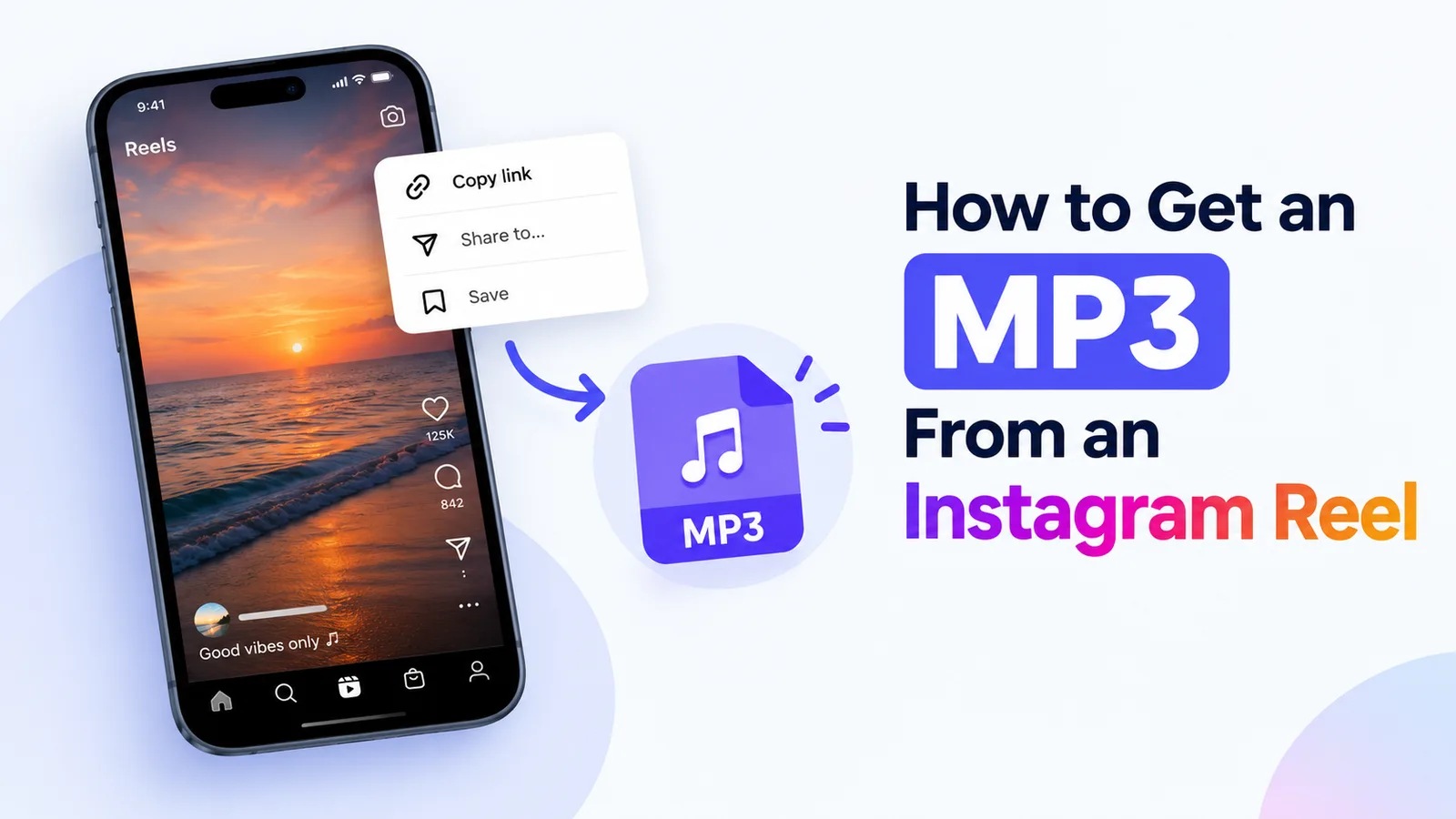
Learn how to turn a public Instagram reel into a 320 kbps MP3 file, with clear steps, common problems, and what quality to expect.
 Guides5 min read
Oct 14, 2026 • 5 min read
Copy the Instagram link, paste it into VideoDropper in your browser, and save the MP4 on Windows or Mac. Includes where the file ends up and what to try if it doesn’t download.
 Guides4 min read
Oct 14, 2026 • 4 min read
Copy the link, paste it into VideoDropper in Chrome, and save the video to your Android phone. Includes how to find it in your gallery and what to do when it doesn’t show up.
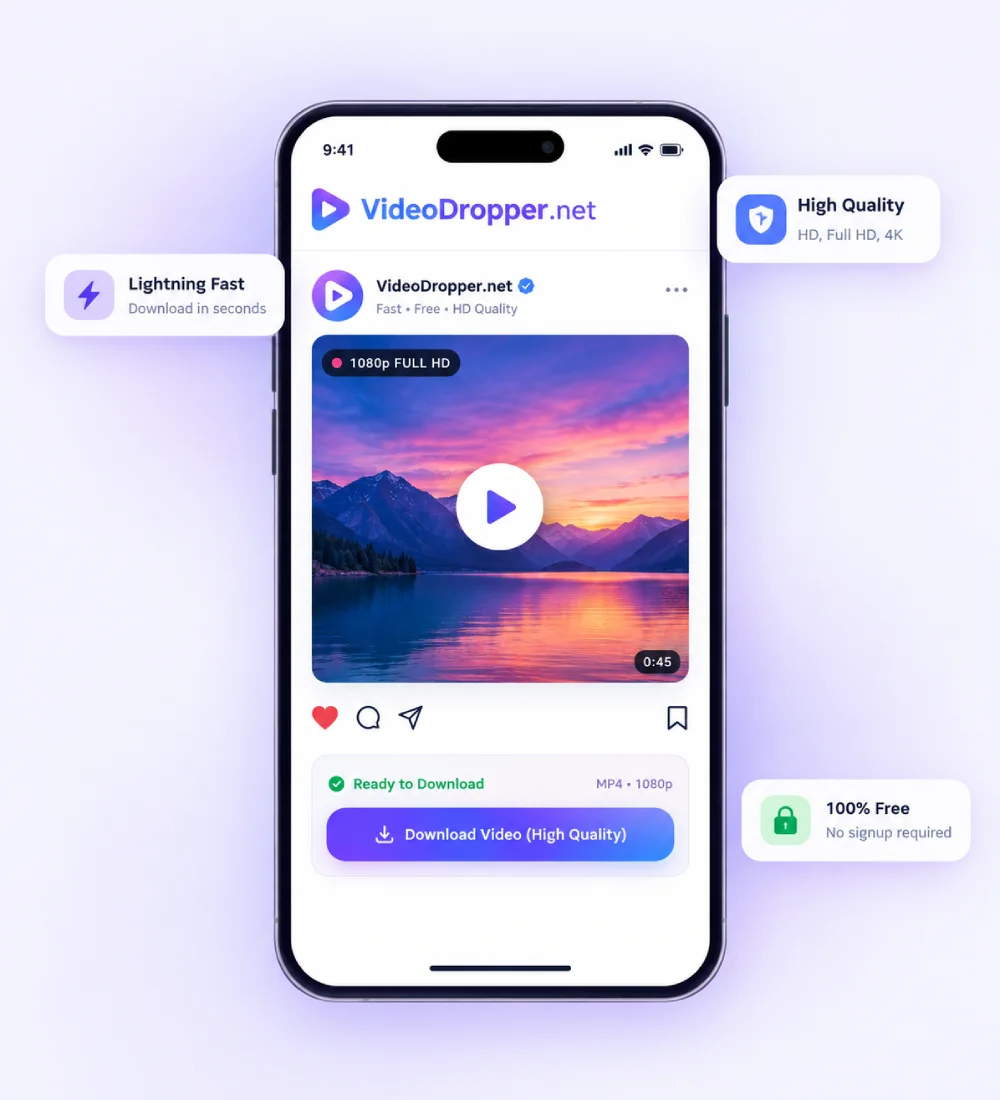
Instagram lets you bookmark posts inside the app, but it never hands you the actual file. VideoDropper fills that gap for public videos: paste a link, check the preview, and save a normal MP4 you can play, edit or archive anywhere.
For every post we offer the highest quality Instagram makes available. When a clip has sound you also get a separate MP3 version, and there is nothing to install and no account to create — it all runs in your browser.
We only process public links, so private accounts stay private. Use downloads for personal reference, and respect the creator's rights before you share anything further.
Each tool is built for one kind of Instagram content — from vertical Reels and multi-slide carousels to MP3 audio and expiring stories.
Save any public Instagram video as a standard MP4 file. Feed clips, long videos and Reels all work, and you get the highest resolution Instagram has for the post, ready to play, edit or archive.
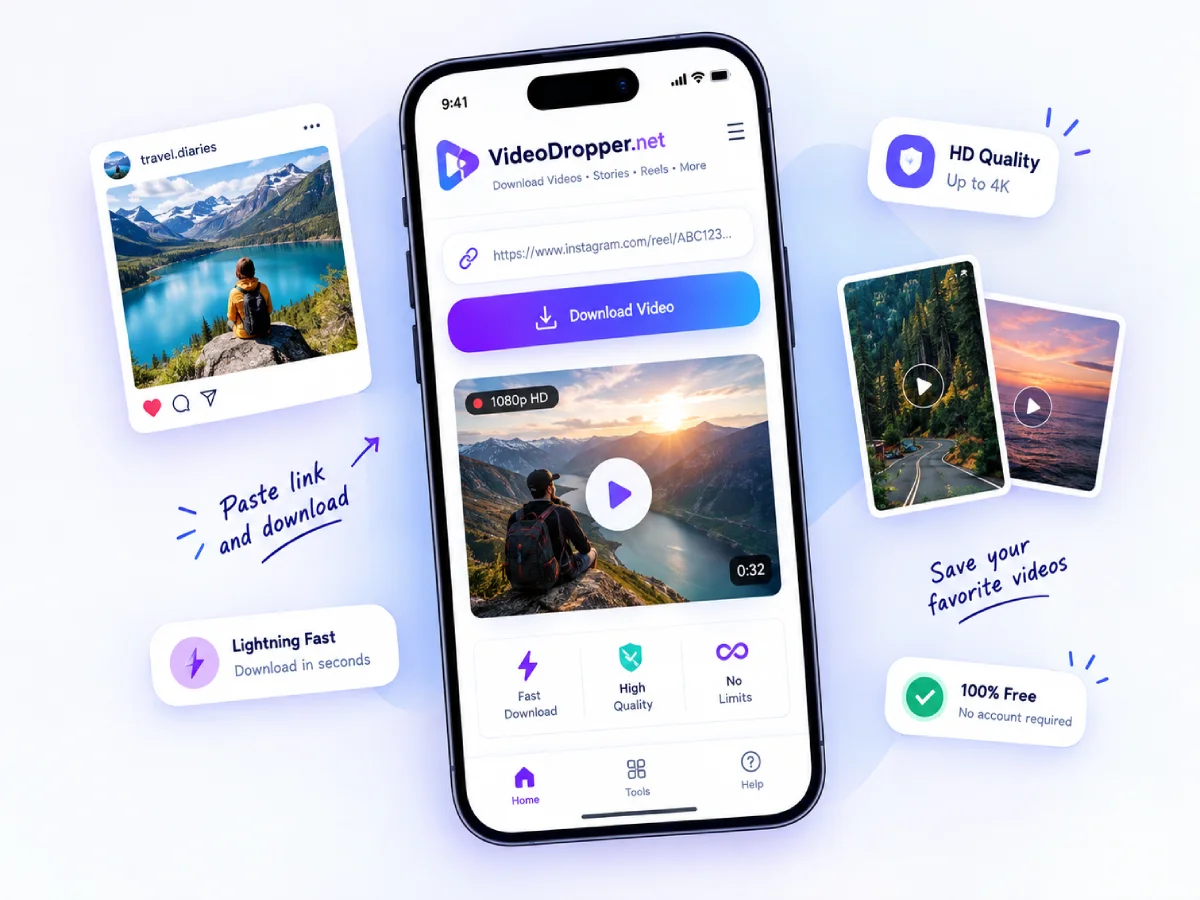
Reels are built around vertical video and music. Save them in their original 9:16 shape with the audio in sync, so a recipe, a dance or an idea is still there when you want it.
Skip the screenshot. Download the real image file from a public post, and for carousels see every slide listed so you can save one photo or the entire set.
Stories disappear after 24 hours. Paste a public story link and keep the photos and videos you want, without logging in or using your own Instagram account.
When you only want the sound, turn a Reel or video into an MP3. Listen on the page first, then download a 320 kbps file for your music app, a podcast clip or an edit.
Copy the link in the Instagram app, open VideoDropper in Safari, paste it and tap Download. Confirm the download prompt, then find the file in the Files app.
Copy the link, open VideoDropper in Chrome or any browser, paste it and tap Download. The video lands in your Downloads folder and normally shows up in your gallery.
Copy the address from the post, paste it into the box above and click Download. Your browser saves the MP4 to its usual downloads folder.
A downloader that stays out of your way and does one job well.
We read the post straight from Instagram's servers and list the download within moments, so you are not stuck on a loading screen.
Paste, preview, download. Nothing covers the button you need, and there are no sign-up walls between you and the file.
When Instagram offers several resolutions we pick the highest one. If it comes without sound, we join the video and audio for you.
You never enter an Instagram password. We do not log in to any account, and we do not keep the files you download.
Download as many public videos as you like. A short per-minute limit simply keeps the service quick for everyone.
Use it on iPhone, iPad, Android, Windows, Mac or Linux with any modern browser. No apps, no extensions.
Real feedback from people who use VideoDropper to save Instagram media.
“Awesome, no ads, easy & free downloading.”
“Good, fast, free and easy to save reels.”
“I just found a great Instagram Reels downloader! Fast downloads, good quality, and super easy to use. Definitely worth trying!”
“Very easy way to download audio from a reel, within seconds got the mp3 file.”
“Been looking for a reliable Instagram downloader like this for ages! No unnecessary ads, no confusing steps, just fast downloads with audio and great quality. Definitely makes saving Reels so much easier!”
“This tool is a total lifesaver! 🔥 I can download Instagram Reels with audio in just a couple of seconds without dealing with sketchy websites. Simple, fast, and exactly what I needed!”
Help us improve VideoDropper • Takes less than 1 minute
Quick answers about VideoDropper.
Yes. There is no charge and no account to create. To keep the service fast for everyone, we limit how many links one connection can check per minute.
No. VideoDropper runs in your browser on phones, tablets and computers.
No. Only public posts are supported. We never log in to Instagram, so private content cannot be reached.
The highest quality Instagram provides for that post. If a higher resolution is offered without sound, we combine the video and audio so the file plays normally.
On Android it goes to Downloads, on iPhone to the Files app, and on a computer to your browser's default download folder.
Yes. When a video has sound, the result also shows an MP3 download at 320 kbps. You can use the Audio tab for the same thing.