Instagram Carousel Download: Save Every Slide (2026)
Instagram carousel download made simple: copy the post link, paste it, and save every photo or video slide in high quality. Works on phone and PC.
Read article
Turn any public Reel or video into a 320 kbps MP3 you can play offline.
Paste a Reel or video link. We convert its soundtrack to MP3.
Not affiliated with Instagram or Meta. By using this tool you agree to our Terms of Service and Privacy Policy.
No software and no sign-up.
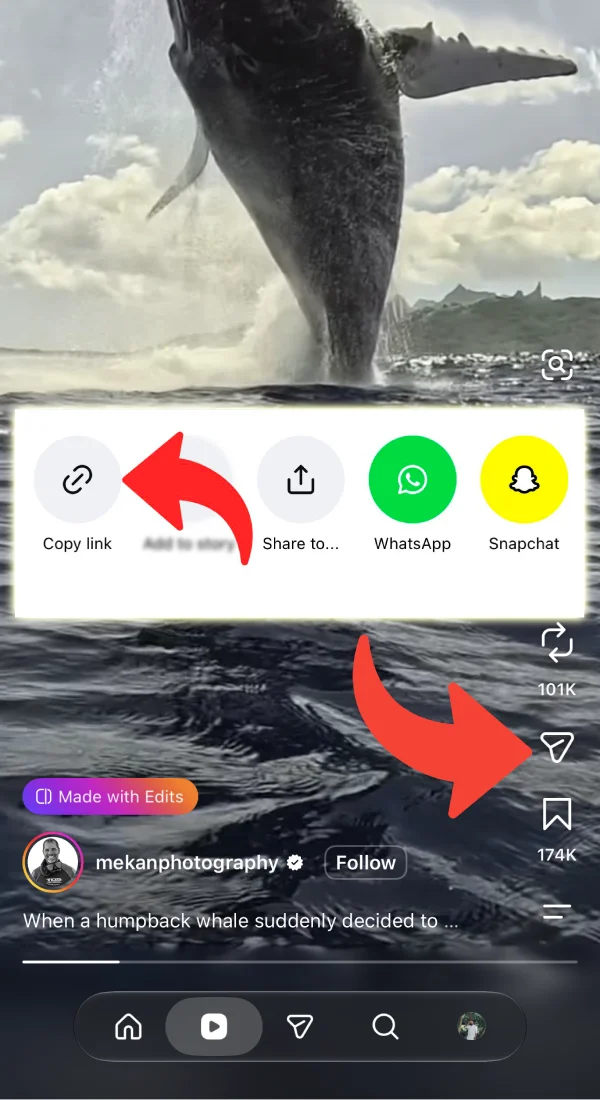
Open the post in Instagram, tap the share icon and choose Copy link.
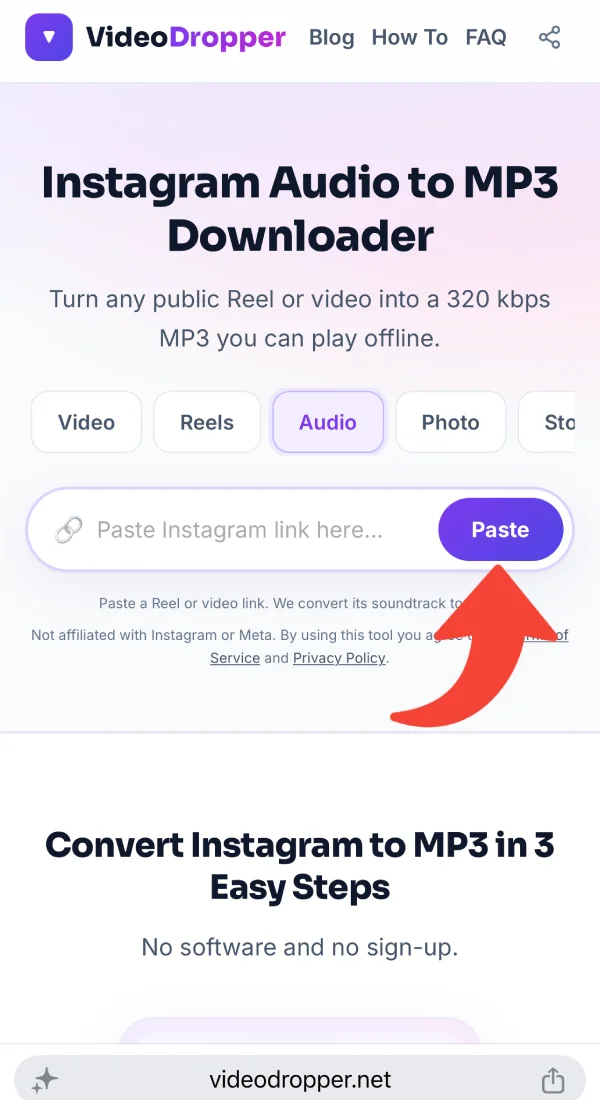
Paste the link into the box. We find the soundtrack of the post and show a player so you can listen first.
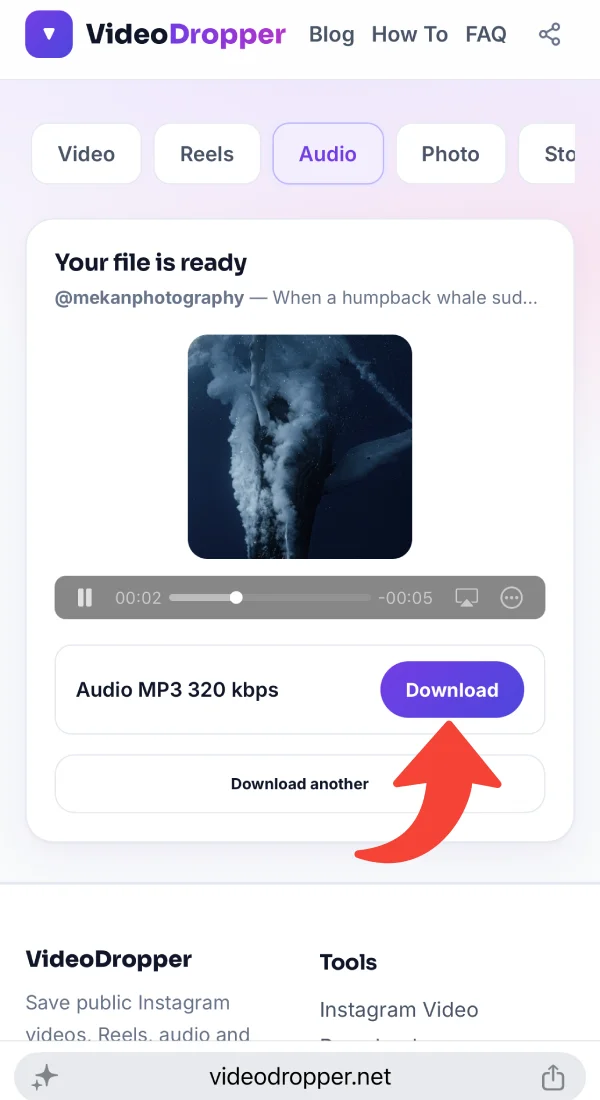
Tap Download. The soundtrack is converted to MP3 at 320 kbps and saved to your device.
Practical tips, tutorials, and strategies to elevate your Instagram experience.
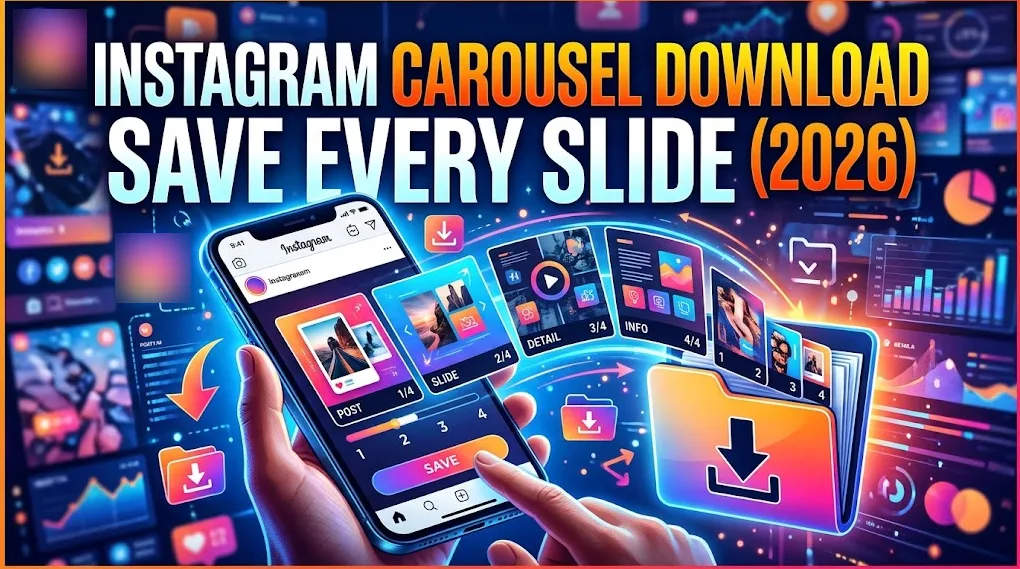 Instagram Photos9 min read
Oct 25, 2026 • 9 min read
Instagram carousel download made simple: copy the post link, paste it, and save every photo or video slide in high quality. Works on phone and PC.
 Guides9 min read
Oct 24, 2026 • 9 min read
Use an Instagram photo downloader to save Instagram photos and download Instagram images in full size. Free steps for iPhone, Android, PC and Mac.
 Audio6 min read
Oct 19, 2026 • 6 min read
Why the MP3 you save from Instagram can sound flat, thin or different from what you expected, and what a 320 kbps file can and can’t do about it.
 Audio4 min read
Oct 19, 2026 • 4 min read
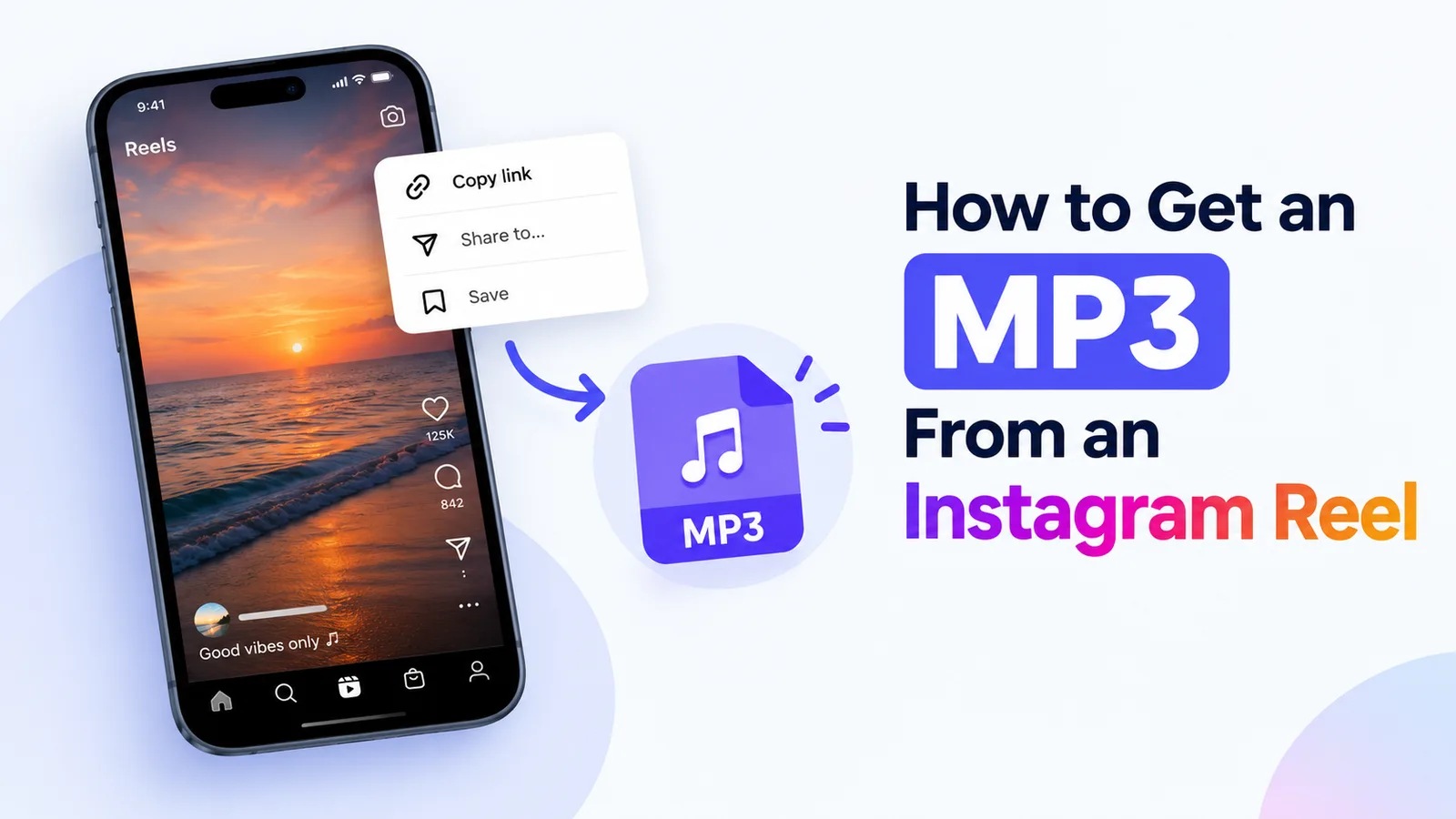
Learn how to turn a public Instagram reel into a 320 kbps MP3 file, with clear steps, common problems, and what quality to expect.
 Guides5 min read
Oct 14, 2026 • 5 min read
Copy the Instagram link, paste it into VideoDropper in your browser, and save the MP4 on Windows or Mac. Includes where the file ends up and what to try if it doesn’t download.
 Guides4 min read
Oct 14, 2026 • 4 min read
Copy the link, paste it into VideoDropper in Chrome, and save the video to your Android phone. Includes how to find it in your gallery and what to do when it doesn’t show up.
Sometimes the part you want is just the audio: a song in the background, a voice-over, a talk, or a sound you want to reference. An MP3 is smaller than a video, plays in any music app and drops straight into editing software.
VideoDropper pulls the audio track from a public Reel or video and converts it to MP3 at 320 kbps. Instagram stores its audio in a compressed format, so the MP3 cannot sound better than the source, but converting at the top bitrate avoids a second round of quality loss.
Use extracted audio for personal listening and reference. Music and voices are protected by copyright, so get permission before using them in work you publish.
Instagram is a launchpad for trending sounds, remixes, sound effects and short podcast clips. But a sound saved inside the app can be muted, removed after a licensing change, or disappear when a creator deletes the original post.
An MP3 on your own device does not depend on any of that, and it takes up far less space than the full video. Here is why saving Instagram audio offline is useful:
We encode the soundtrack at 320 kbps, the top standard MP3 bitrate. Instagram's source audio is already compressed, so the MP3 matches it rather than improving it, but the conversion itself costs you nothing extra.
An audio-only file is a fraction of the size of the video it came from, so you can keep a whole folder of clips without filling your phone.
Editors and podcasters often need a voice clip or background track. An MP3 imports into most editing apps; just make sure you have the right to use the sound.
MP3 is the most widely supported audio format. Phones, laptops, car stereos, music players and editing software open it without a converter.
Many phones let you set a short audio clip as a ringtone or alarm. The exact steps depend on your device, but an MP3 is a good starting point.
Sounds on Instagram can be muted or pulled when a licence changes. A personal copy of a track you are allowed to keep stays playable offline.
Copy the Reel link, paste it here in Safari and tap Download on the MP3 row. Confirm the prompt, and the file appears in the Files app, ready for your music player.
Copy the link, paste it here in Chrome and tap Download. The MP3 is saved to Downloads and your music app can usually pick it up from there.
Copy the post address, paste it above and click Download. Your browser saves the MP3 to your downloads folder, ready for any player or editor.
Listen first, convert once, keep the file.
We encode at the highest standard MP3 bitrate, so the conversion does not take away more quality.
Play the audio on the page first, so you know it is the track you want.
No video data comes with it. You get a compact audio file for your music app or editor.
MP3 works on phones, laptops, car stereos and nearly every editing tool.
No Instagram login, no sign-up and no stored files.
Convert as many public posts as you like. A short per-minute limit keeps the server fast for everybody.
Real feedback from people who use VideoDropper to save Instagram media.
“Awesome, no ads, easy & free downloading.”
“Good, fast, free and easy to save reels.”
“I just found a great Instagram Reels downloader! Fast downloads, good quality, and super easy to use. Definitely worth trying!”
“Very easy way to download audio from a reel, within seconds got the mp3 file.”
“Been looking for a reliable Instagram downloader like this for ages! No unnecessary ads, no confusing steps, just fast downloads with audio and great quality. Definitely makes saving Reels so much easier!”
“This tool is a total lifesaver! 🔥 I can download Instagram Reels with audio in just a couple of seconds without dealing with sketchy websites. Simple, fast, and exactly what I needed!”
Help us improve VideoDropper • Takes less than 1 minute
Quick answers about VideoDropper.
MP3, encoded at 320 kbps.
Instagram stores audio in a compressed format at a lower bitrate. We convert at 320 kbps so the conversion adds no extra loss, but the MP3 cannot be better than the original track.
From public posts that have sound. A post without audio has nothing to extract.
Usually a few seconds for a typical Reel, depending on its length and how busy the server is.
No. Only public posts are supported.
Music is protected by copyright. Check the licence or get permission before using it in anything you publish.